
AI & automation case study · Operations & Reporting
ERP Order Analytics & Reporting Automation
Scheduled order retrieval from a custom ERP, structured records in Airtable and a weekly performance summary posted to Discord.
In brief: An n8n workflow that pulls orders from a custom ERP API on a schedule, stores processing orders in Airtable, calculates weekly totals in JavaScript and posts a summary to the team's Discord channel.
- Status
- Delivered to client
- Platform
- n8n
- Source
- Custom ERP REST API
- Storage
- Airtable
- Report
- Discord, weekly
Business problem & solution
Why this workflow exists
Order data lived in the ERP, but nobody had a quick weekly view. Before every review someone had to export, filter and total orders by hand.
This workflow retrieves orders from the ERP on a schedule, keeps a clean Airtable record of orders still in processing, calculates weekly order counts and revenue in a JavaScript step and posts the summary to Discord — so the numbers are ready before the meeting starts.
Presented as portfolio work from our founder-led engineering team. Client names, commercial terms and business performance figures are not published.
Business problem
- Weekly figures depend on someone remembering to export and calculate them.
- Manual filtering and totalling introduce errors.
- Operations have no lightweight, structured view of orders in progress.
The actual workflow
The workflow as built.
Click the image to open it full size and zoom in on individual nodes.
Simplified diagram
How it works, step by step.
An interactive walkthrough of the workflow. Select any step for details.
Simplified flow · ERP Order Analytics
Step 1 of 5
Schedule
The Schedule Trigger starts the run.
The delivered workflow calculates figures in JavaScript and does not include an AI step. AI-written commentary can be added on top of the calculated totals if required.
Node by node
What each node does.
| Node | Type | What it does |
|---|---|---|
| 01Schedule Trigger | Schedule Trigger | Runs the workflow at the configured interval. |
| 02HTTP Request | HTTP Request — GET | Calls the custom ERP API and returns the list of orders. |
| 03If | If | Checks whether status equals 'processing' and splits the items into two branches. |
| 04Edit Fields | Set / Edit Fields | Maps ERP fields to the Airtable schema. |
| 05Airtable | Airtable — create record | Creates a structured record for each processing order. |
| 06Code in JavaScript | Code | Aggregates the orders on the second branch into weekly totals — order count and revenue. |
| 07Discord | Discord — send message | Posts the calculated summary to the team's channel. |
Features
Capabilities delivered.
Scheduled order retrieval
A Schedule Trigger calls the custom ERP API with an HTTP GET request.
Filtering
An If node separates orders with status 'processing' from the rest.
Structured storage
Processing orders are mapped with Edit Fields and created as Airtable records.
Aggregation
A JavaScript Code node calculates weekly order totals and revenue.
Automated reporting
The weekly summary is posted to a Discord channel.
Tools & integrations
Built with
- n8n
- REST API
- Airtable
- JavaScript
- Discord
Typical applications
Where this pattern fits.
- Weekly sales and order reports from an ERP or e-commerce platform
- Fulfilment backlog tracking
- Management digests for Slack, Teams or email
- Feeding a BI tool with clean, structured order data
Business benefits
What it changes.
Automated reporting
Weekly totals arrive without anyone exporting data.
Structured storage
Clean Airtable records are ready for further analysis.
Deterministic figures
Totals are calculated in code, so numbers are exact and auditable.
Easy to extend
An AI step can be added to write narrative commentary on top of the calculated figures.
More work
Other automation case studies.
 n8n workflow
Hospitality & Restaurants
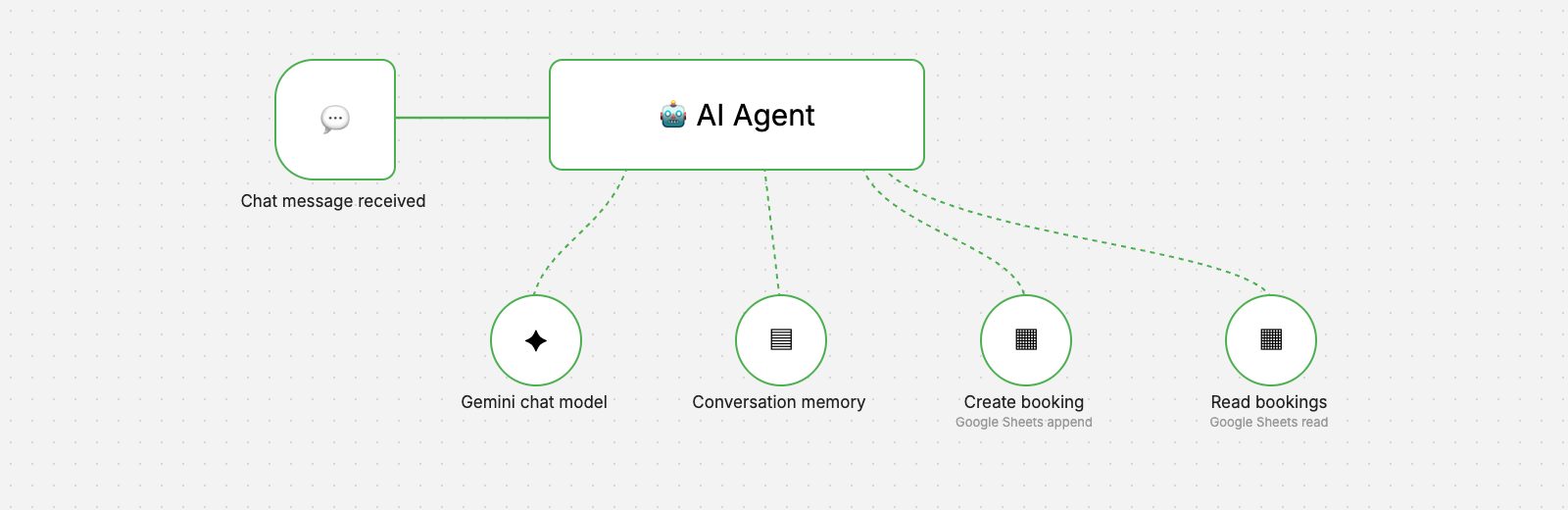
AI Restaurant Booking Agent
A chat-based AI agent that takes reservation requests, checks existing bookings and records new ones in Google Sheets.
- AI & Automation
 n8n workflow
Retail & Inventory
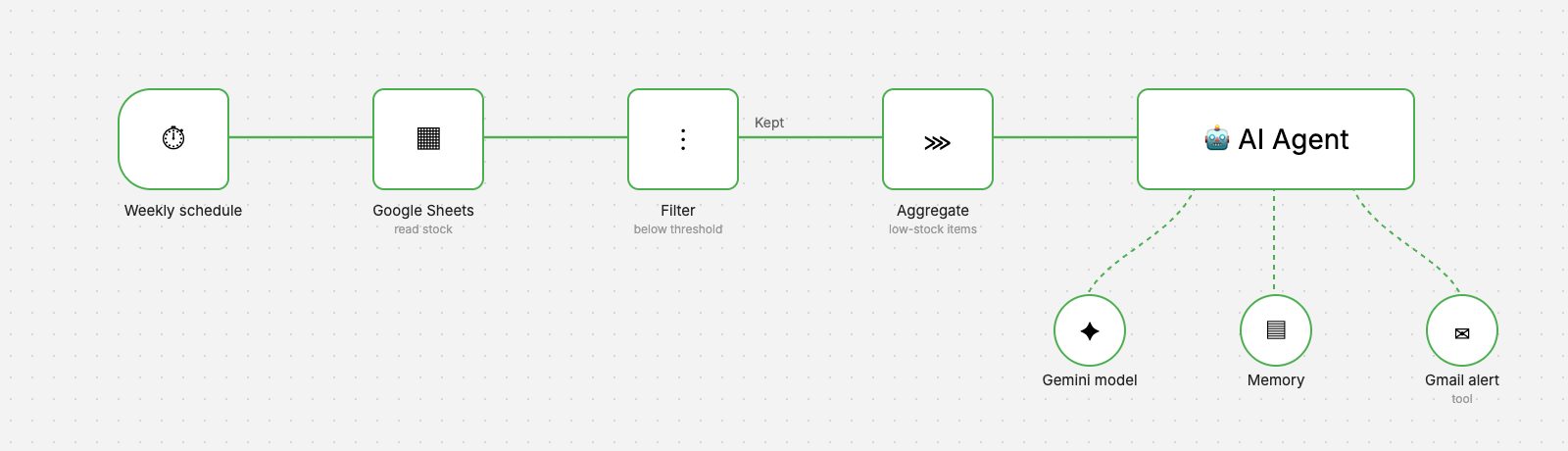
Inventory Low-Stock Alerts
A weekly workflow that reads stock levels, finds items below threshold and sends a clear, AI-written reorder alert by Gmail.
- AI & Automation
- Business Applications
 n8n workflow
Hospitality & Customer Service
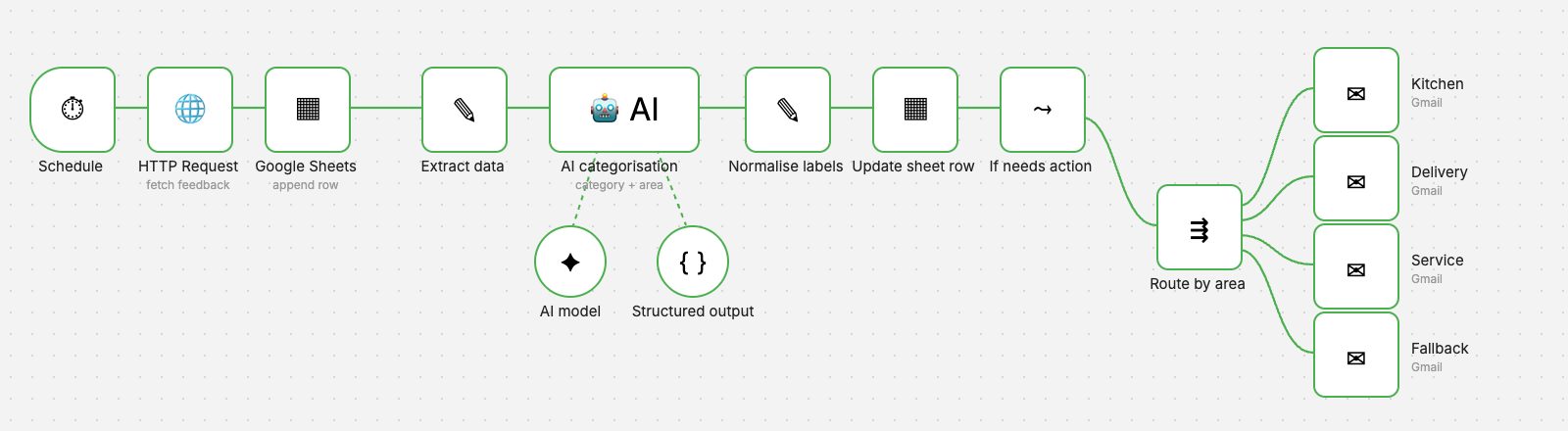
AI Feedback Classification
Every piece of feedback is categorised by AI, labelled in the sheet and emailed to the department that can act on it.
- AI & Automation
- Business Applications
Want an automation like this for your team?
We'll map your process, design the workflow with proper validation and error handling, and hand it over documented.