
AI & automation case study · Hospitality & Customer Service
AI Customer Feedback Classification & Routing
Every piece of feedback is categorised by AI, labelled in the sheet and emailed to the department that can act on it.
In brief: An n8n workflow that collects customer feedback, classifies it by type and area with Google Gemini and a structured output parser, updates the record and routes it to Kitchen, Delivery, Service or a fallback inbox.
- Status
- Delivered to client
- Platform
- n8n
- AI
- Google Gemini + structured output
- Record
- Google Sheets
- Routes
- Kitchen, Delivery, Service, Fallback
Business problem & solution
Why this workflow exists
Customer feedback piled up in a spreadsheet. Someone had to read every row, decide who should see it and forward it — so urgent problems waited and patterns were hard to spot.
This workflow fetches new feedback on a schedule, records it, asks an AI model to classify each item by type (question, problem or suggestion) and by area (kitchen, delivery or service), writes normalised labels back to the sheet and emails the relevant department.
Presented as portfolio work from our founder-led engineering team. Client names, commercial terms and business performance figures are not published.
Business problem
- Feedback is read and forwarded manually, so response times depend on staff availability.
- Labels applied by hand are inconsistent, which makes reporting unreliable.
- Urgent complaints can sit unread alongside routine suggestions.
The actual workflow
The workflow as built.
Click the image to open it full size and zoom in on individual nodes.
Simplified diagram
How it works, step by step.
An interactive walkthrough of the workflow. Select any step for details.
Simplified flow · AI Feedback Classification
Step 1 of 6
Fetch feedback
On a schedule, an HTTP request collects new feedback and appends it to Google Sheets.
This page documents the version shown in the workflow screenshot, where feedback is fetched on a schedule via HTTP and appended to Google Sheets. An alternative variant triggered directly by new sheet rows uses the same classification and routing logic.
Node by node
What each node does.
| Node | Type | What it does |
|---|---|---|
| 01Schedule | Schedule Trigger | Starts each run at a set interval. |
| 02HTTP Request | HTTP Request | Fetches new feedback from the source endpoint. |
| 03Google Sheets | Google Sheets — append row | Stores each new feedback item as a row. |
| 04Extract data | Set / Edit Fields | Selects and renames the fields the AI step needs. |
| 05AI categorisation | Basic LLM Chain | Classifies the feedback by category and area. |
| 06AI model | Google Gemini Chat Model | The language model used for classification. |
| 07Structured output | Structured Output Parser | Enforces a JSON schema so the result is always a valid category and area. |
| 08Normalise labels | Set / Edit Fields | Maps the model output to the exact labels used in the sheet and routing rules. |
| 09Update sheet row | Google Sheets — update | Writes category and area back to the original row. |
| 10If needs action | If | Continues only for items that require a team response. |
| 11Route by area | Switch | Sends the item down the Kitchen, Delivery, Service or Fallback branch. |
| 12Kitchen / Delivery / Service / Fallback | Gmail — send | Emails the feedback to the relevant department inbox. |
Features
Capabilities delivered.
Feedback ingestion
A scheduled HTTP request fetches new feedback and appends it to Google Sheets.
AI categorisation
Google Gemini classifies each item by type and by operational area.
Structured labels
A structured output parser constrains the model to a defined schema, keeping labels consistent.
Label normalisation
A Set step normalises the model's output to the exact values used in reporting.
Google Sheets updates
Each row is updated with its category and area.
Department routing
A Switch node routes actionable items to Kitchen, Delivery or Service by Gmail, with a fallback route for anything unmatched.
Tools & integrations
Built with
- n8n
- Google Gemini
- Google Sheets
- Gmail
- HTTP / REST
Typical applications
Where this pattern fits.
- Restaurant and delivery reviews
- Support ticket triage
- Survey and NPS comment analysis
- Complaint routing for retail and services
Business benefits
What it changes.
Faster response
Issues reach the right team without waiting to be read and forwarded.
Structured data
Every row is labelled consistently, ready for reporting.
Reliable output
Schema-based parsing keeps AI labels within the agreed set.
Safe fallback
Anything that does not match a department goes to a fallback inbox rather than being lost.
More work
Other automation case studies.
 n8n workflow
Hospitality & Restaurants
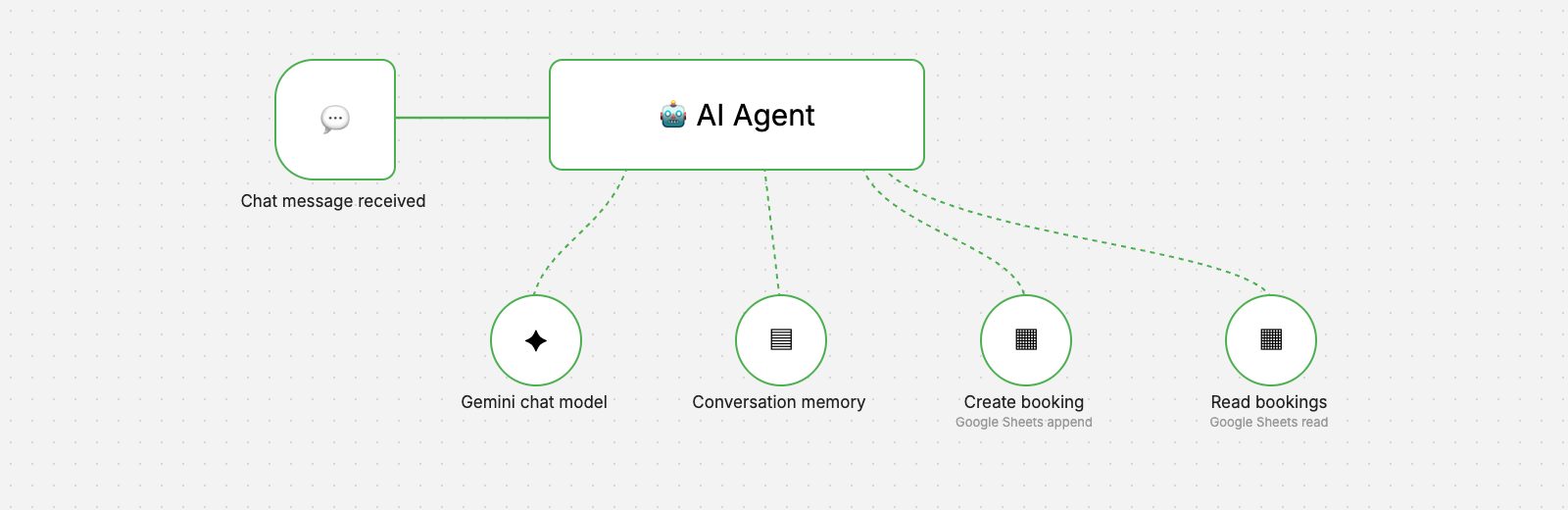
AI Restaurant Booking Agent
A chat-based AI agent that takes reservation requests, checks existing bookings and records new ones in Google Sheets.
- AI & Automation
 n8n workflow
Retail & Inventory
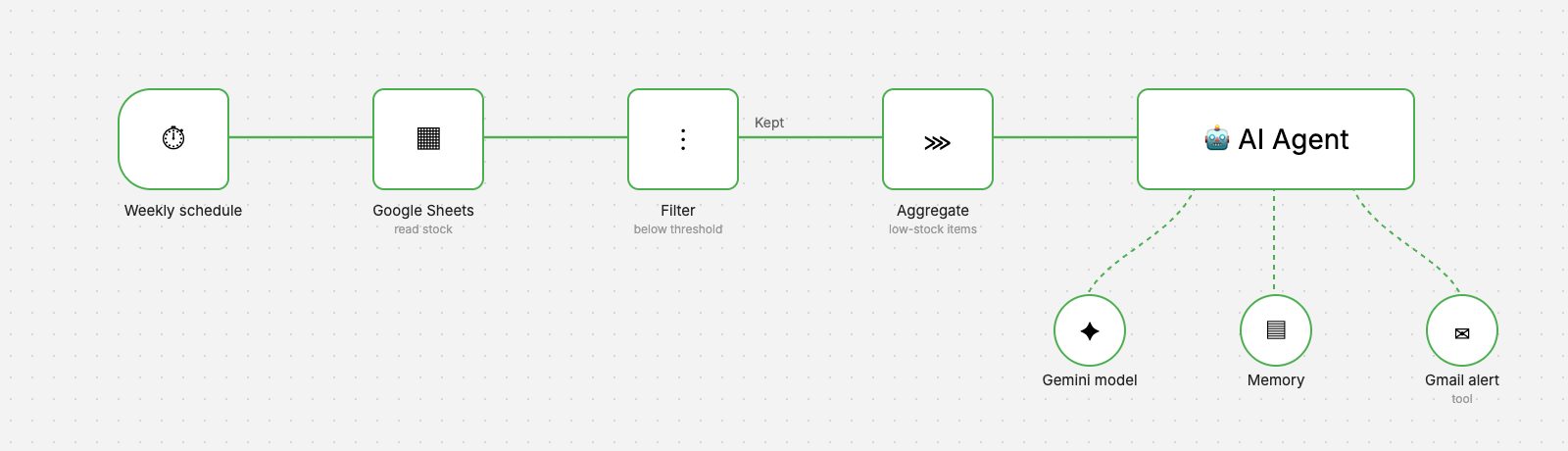
Inventory Low-Stock Alerts
A weekly workflow that reads stock levels, finds items below threshold and sends a clear, AI-written reorder alert by Gmail.
- AI & Automation
- Business Applications
 n8n workflow
Operations & Reporting
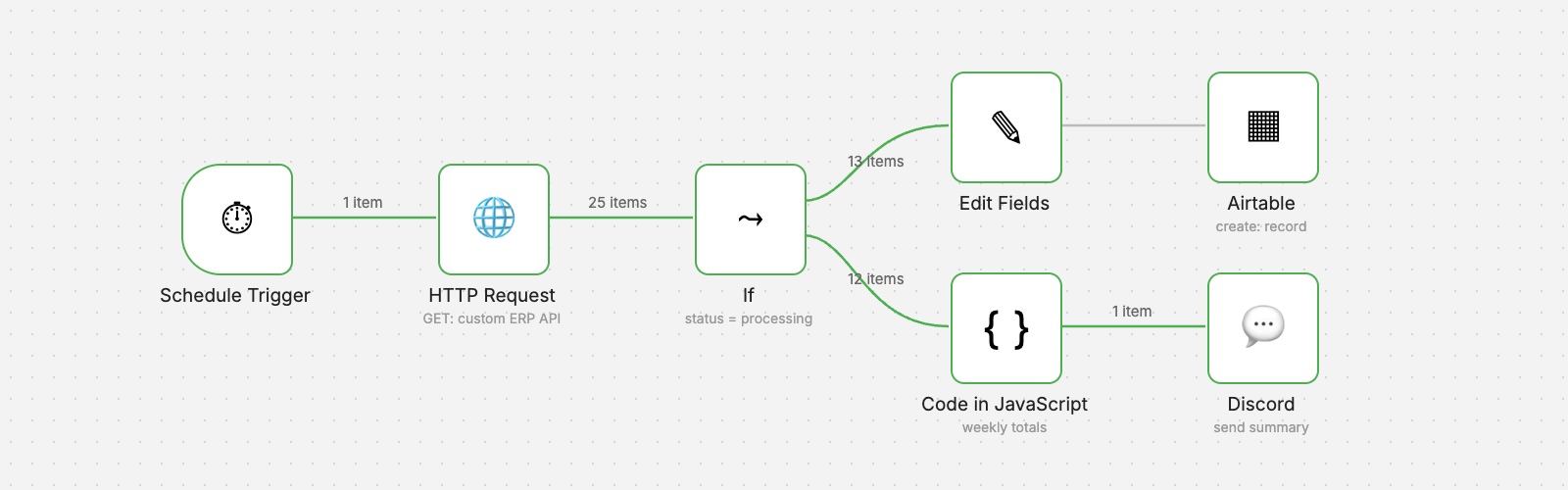
ERP Order Analytics
Scheduled order retrieval from a custom ERP, structured records in Airtable and a weekly performance summary posted to Discord.
- AI & Automation
- Business Applications
Want an automation like this for your team?
We'll map your process, design the workflow with proper validation and error handling, and hand it over documented.