
AI & automation case study · Hospitality & Restaurants
AI Restaurant Booking Automation
A chat-based AI agent that takes reservation requests, checks existing bookings and records new ones in Google Sheets.
In brief: An n8n AI agent powered by Google Gemini that handles restaurant reservation requests by chat, with conversation memory and Google Sheets as the booking record.
- Status
- Delivered to client
- Platform
- n8n
- AI model
- Google Gemini
- Data store
- Google Sheets
- Channel
- Chat
Business problem & solution
Why this workflow exists
Reservations arrived through messages and were written down by hand. When the restaurant was busy, replies were slow and the booking record could fall out of step with what had been promised to guests.
This workflow puts an AI agent in front of reservation requests. The agent converses naturally, gathers the guest's name, date, time and party size, consults the existing bookings sheet and records the new reservation — then confirms back to the guest in the same chat.
Presented as portfolio work from our founder-led engineering team. Client names, commercial terms and business performance figures are not published.
Business problem
- Booking requests arrive at all hours, including when staff are serving.
- Details are copied by hand into the booking record, which invites mistakes.
- Guests often send details across several messages, which is hard to track.
The actual workflow
The workflow as built.
Click the image to open it full size and zoom in on individual nodes.
Simplified diagram
How it works, step by step.
An interactive walkthrough of the workflow. Select any step for details.
Simplified flow · AI Restaurant Booking Agent
Step 1 of 5
Customer message
A guest sends a reservation request through the chat interface. The Chat Trigger starts the workflow.
Availability checking is performed by the agent using the 'Read bookings' tool, guided by its instructions. For high-volume or multi-location use, we recommend adding a deterministic availability check and capacity rules before the booking is written.
Node by node
What each node does.
| Node | Type | What it does |
|---|---|---|
| 01Chat message received | Chat Trigger | Starts the workflow whenever a guest sends a message, passing the text and session ID to the agent. |
| 02AI Agent | AI Agent (Tools Agent) | Orchestrates the conversation. Its system instructions define the information required for a booking and when each tool should be used. |
| 03Gemini chat model | Google Gemini Chat Model | The language model the agent uses to understand requests and compose replies. |
| 04Conversation memory | Memory | Stores recent messages per session so the agent remembers details given earlier in the conversation. |
| 05Read bookings | Google Sheets tool — read | Lets the agent retrieve existing reservations before recording a new one. |
| 06Create booking | Google Sheets tool — append | Appends a new reservation row. Appending — rather than updating — means existing reservations are never overwritten. |
Features
Capabilities delivered.
Chat-based reservations
Guests request a table in natural language through a chat interface.
Gemini-powered agent
Google Gemini interprets the request and decides which tool to use next.
Conversation memory
The agent keeps context across messages, so guests don't need to repeat themselves.
Booking retrieval
A Google Sheets read tool lets the agent look up existing reservations before recording a new one.
Booking creation
A Google Sheets append tool adds the new reservation as a row — it never overwrites existing records.
Automated replies
The agent confirms the outcome to the guest in the same conversation.
Tools & integrations
Built with
- n8n
- Google Gemini
- Google Sheets
- n8n Chat
Typical applications
Where this pattern fits.
- Restaurant and café table reservations
- Appointment requests for salons, clinics and studios
- Class or session bookings for gyms and tutors
- Enquiry intake for venues and event spaces
Business benefits
What it changes.
Always-on replies
Guests receive an immediate response, including outside service hours.
Natural conversation
Memory keeps context, so bookings can be completed over several messages.
One booking record
Every reservation lands in the same Google Sheet that staff already use.
Easy to extend
Additional tools — such as a calendar, email confirmation or POS — can be added to the agent.
Related services
Industry solutions
More work
Other automation case studies.
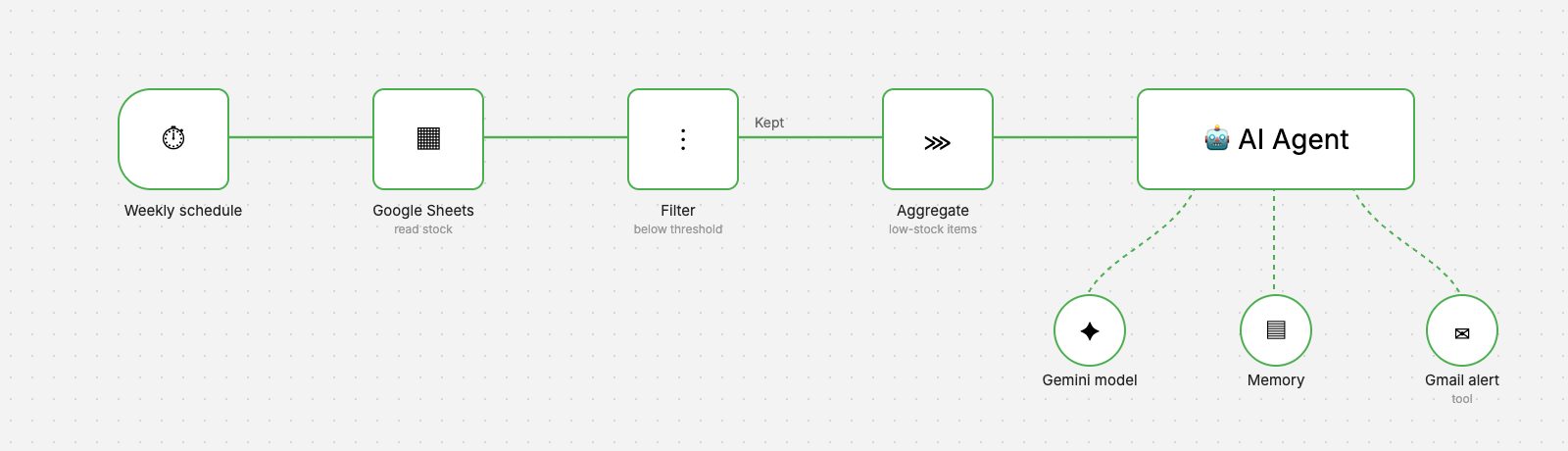 n8n workflow
Retail & Inventory
Inventory Low-Stock Alerts
A weekly workflow that reads stock levels, finds items below threshold and sends a clear, AI-written reorder alert by Gmail.
- AI & Automation
- Business Applications
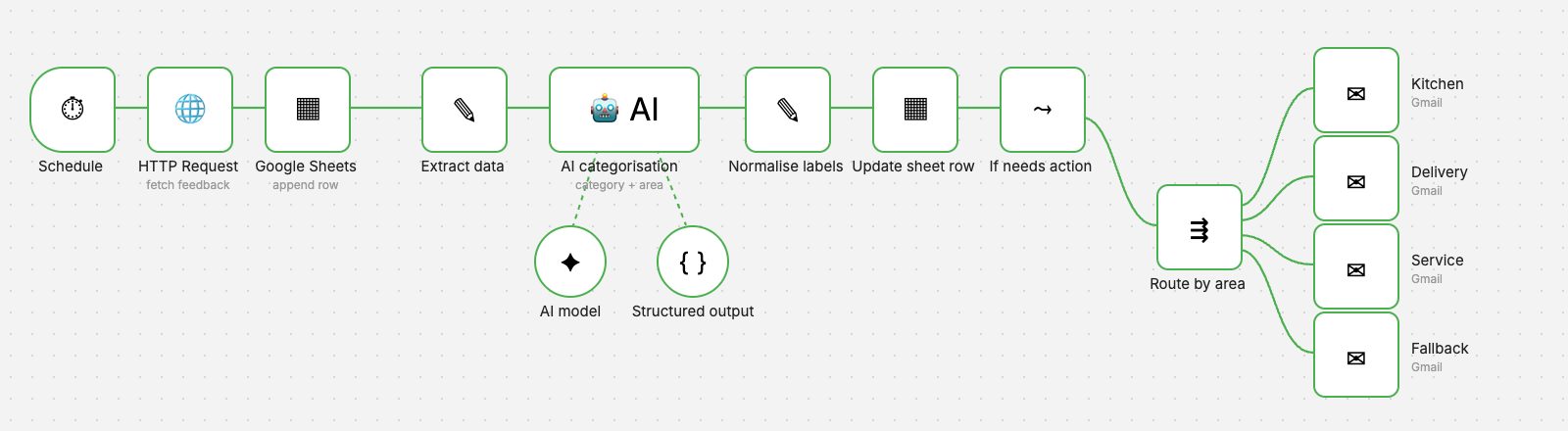 n8n workflow
Hospitality & Customer Service
AI Feedback Classification
Every piece of feedback is categorised by AI, labelled in the sheet and emailed to the department that can act on it.
- AI & Automation
- Business Applications
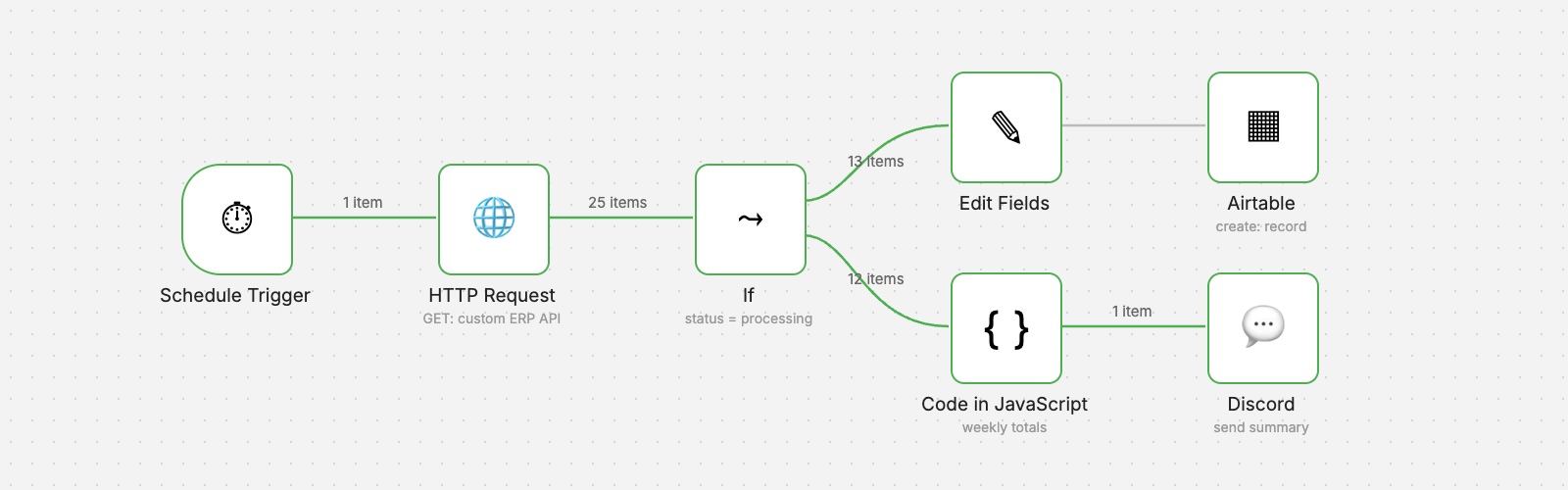 n8n workflow
Operations & Reporting
ERP Order Analytics
Scheduled order retrieval from a custom ERP, structured records in Airtable and a weekly performance summary posted to Discord.
- AI & Automation
- Business Applications
Want an automation like this for your team?
We'll map your process, design the workflow with proper validation and error handling, and hand it over documented.