
AI & automation case study · Sales & Customer Success
Automated Client Onboarding & CRM Workflow
From Jotform submission to HubSpot contact, team alert, welcome email, timed follow-ups and CRM stage updates — automatically.
In brief: An n8n onboarding journey that validates a Jotform submission, upserts a HubSpot contact, alerts the team on Telegram and delivers a timed sequence of emails and resources while keeping CRM stages current.
- Status
- Delivered to client
- Platform
- n8n
- CRM
- HubSpot
- Channels
- Gmail, Telegram
- Journey
- Multi-day, timed
Business problem & solution
Why this workflow exists
New clients were onboarded manually. Form data was copied into the CRM, welcome emails were sent one at a time and follow-ups were easy to forget — so the experience depended on who happened to be available.
This workflow turns onboarding into a consistent, timed journey. A Jotform submission is validated, the client is created or updated in HubSpot, the team is notified on Telegram, and the client receives a welcome email, a guide from Google Drive and timed follow-ups — with the CRM stage updated at each milestone.
Presented as portfolio work from our founder-led engineering team. Client names, commercial terms and business performance figures are not published.
Business problem
- Manual data entry into the CRM causes delays and typos.
- Follow-ups depend on someone remembering to send them.
- The team has no real-time view of new clients joining.
- CRM stages fall out of date as clients progress.
The actual workflow
The workflow as built.
Click the image to open it full size and zoom in on individual nodes.
Simplified diagram
How it works, step by step.
An interactive walkthrough of the workflow. Select any step for details.
Simplified flow · Client Onboarding & CRM
Step 1 of 6
Form submitted
The Jotform Trigger fires when a client completes the onboarding form.
Node by node
What each node does.
| Node | Type | What it does |
|---|---|---|
| 01Jotform Trigger | Jotform Trigger | Receives each new form submission. |
| 02If | If | Validates required fields. True continues the journey; false goes to an alert. |
| 03Send a text message | Telegram | False branch: alerts the team to an incomplete submission for manual follow-up. |
| 04Create Hubspot contact | HubSpot — upsert contact | Creates the contact, or updates it if the email already exists. |
| 05Send Team Notification | Telegram — send message | Posts a structured new-client notification to the team. |
| 06Send a message | Gmail — send | Sends the personalised welcome email. |
| 07Wait 2 hours | Wait | Pauses before delivering the next resource. |
| 08Download file | Google Drive — download | Retrieves the client guide from Google Drive. |
| 09Send a message1 | Gmail — send | Emails the guide to the client as an attachment. |
| 10Wait 1 Day | Wait | Spaces out the next stage of the journey. |
| 11Create or update a contact | HubSpot — upsert contact | Updates the contact's onboarding stage in the CRM. |
| 12Send a message2 / Wait / Send a message3 | Gmail + Wait | Sends timed follow-up emails and offers. |
| 13Create or update a contact1 | HubSpot — upsert contact | Marks the final onboarding stage in HubSpot. |
| 14Send a text message1 | Telegram | Notifies the team that onboarding has completed. |
Features
Capabilities delivered.
Jotform lead capture
A Jotform Trigger starts the journey when a client submits the onboarding form.
Validation
An If node checks the submission; incomplete submissions follow a separate path that alerts the team on Telegram.
HubSpot contact creation/update
Valid submissions upsert a HubSpot contact, avoiding duplicates.
Telegram team notifications
The team receives a structured Telegram message for each new client, and another when onboarding completes.
Automated welcome email
Gmail sends a personalised welcome email immediately.
Resource delivery
After a wait, a guide is downloaded from Google Drive and sent as an attachment.
Timed follow-ups
Wait nodes space out follow-up emails and offers over the following days.
CRM stage updates
HubSpot contact properties are updated as the client moves through the journey.
Tools & integrations
Built with
- n8n
- Jotform
- HubSpot
- Gmail
- Google Drive
- Telegram
Typical applications
Where this pattern fits.
- Client onboarding for agencies and consultancies
- Customer onboarding for SaaS products
- Student or member enrolment journeys
- Lead nurture sequences after an enquiry
Business benefits
What it changes.
No manual data entry
Form data flows straight into HubSpot.
Consistent experience
Every client receives the same timed journey.
Team visibility
Telegram alerts show new and completed onboardings.
Up-to-date CRM
Stages update automatically as clients progress.
Industry solutions
More work
Other automation case studies.
 n8n workflow
Hospitality & Restaurants
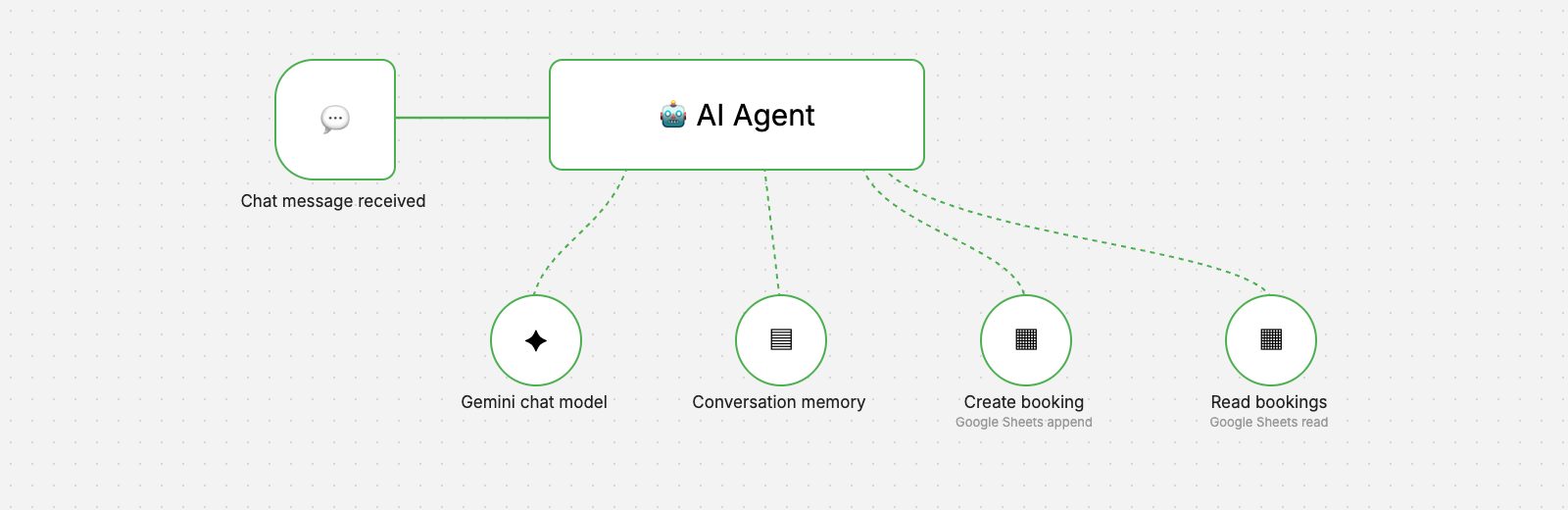
AI Restaurant Booking Agent
A chat-based AI agent that takes reservation requests, checks existing bookings and records new ones in Google Sheets.
- AI & Automation
 n8n workflow
Retail & Inventory
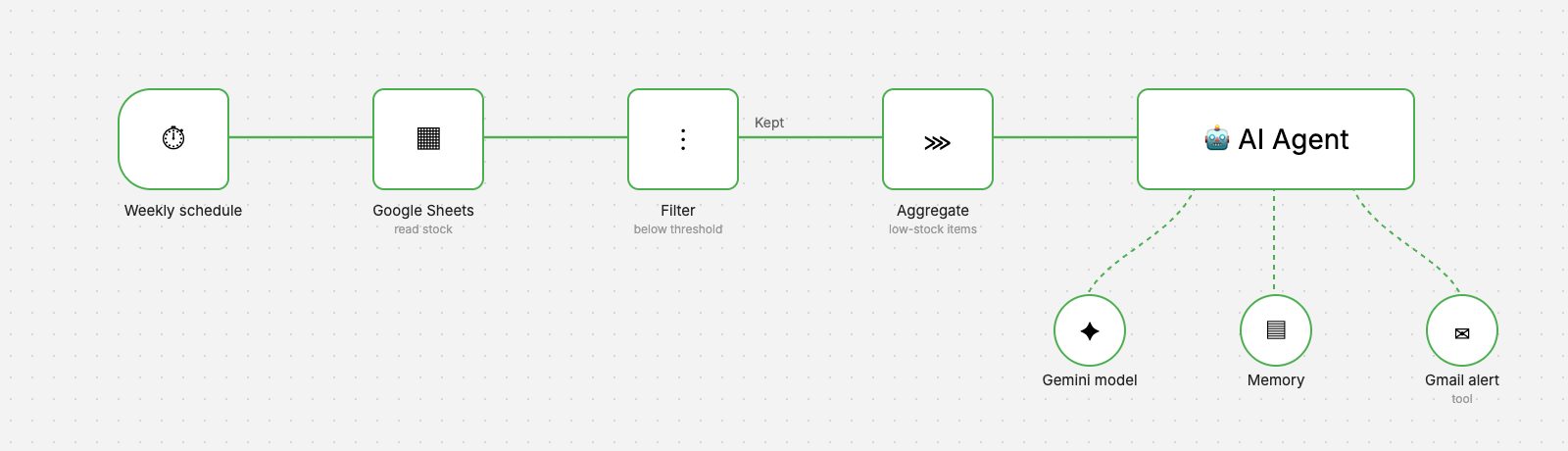
Inventory Low-Stock Alerts
A weekly workflow that reads stock levels, finds items below threshold and sends a clear, AI-written reorder alert by Gmail.
- AI & Automation
- Business Applications
 n8n workflow
Hospitality & Customer Service
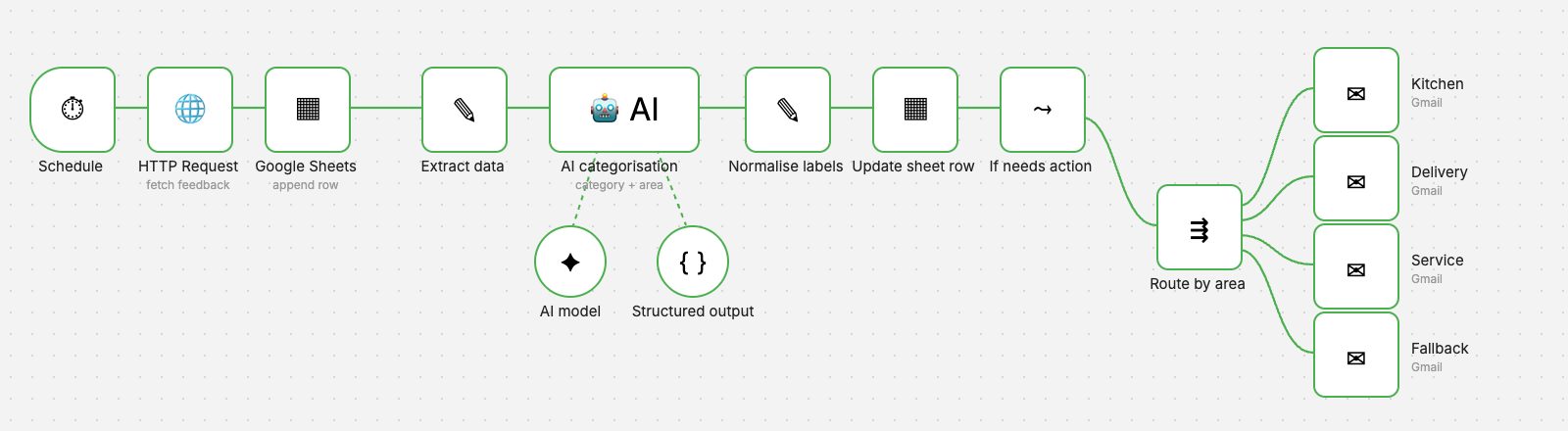
AI Feedback Classification
Every piece of feedback is categorised by AI, labelled in the sheet and emailed to the department that can act on it.
- AI & Automation
- Business Applications
Want an automation like this for your team?
We'll map your process, design the workflow with proper validation and error handling, and hand it over documented.