
AI & automation case study · Retail & Inventory
Automated Inventory Monitoring & Low-Stock Alerts
A weekly workflow that reads stock levels, finds items below threshold and sends a clear, AI-written reorder alert by Gmail.
In brief: An n8n workflow that reads inventory from Google Sheets on a schedule, filters items below their reorder thresholds, aggregates them and uses a Gemini-powered agent to send a structured alert.
- Status
- Delivered to client
- Platform
- n8n
- Schedule
- Weekly
- Source
- Google Sheets
- Alert
- Gmail via Gemini agent
Business problem & solution
Why this workflow exists
Stock was checked by eye, so items ran out before anyone reordered and purchasing reacted too late.
This workflow checks the inventory sheet every week, isolates the products below their reorder thresholds and sends one clear alert listing what needs reordering — written by an AI agent so it reads like a message from a colleague rather than a raw data dump.
Presented as portfolio work from our founder-led engineering team. Client names, commercial terms and business performance figures are not published.
Business problem
- Manual stock checks are easy to postpone during busy periods.
- Low stock is often noticed only when a product has already sold out.
- Purchasing receives scattered requests rather than one consolidated list.
The actual workflow
The workflow as built.
Click the image to open it full size and zoom in on individual nodes.
Simplified diagram
How it works, step by step.
An interactive walkthrough of the workflow. Select any step for details.
Simplified flow · Inventory Low-Stock Alerts
Step 1 of 6
Weekly schedule
The Schedule Trigger starts the check once a week.
The delivered workflow reads stock and sends alerts; it does not write back to the inventory record. Automatic record updates or purchase-order drafts can be added as an extension.
Node by node
What each node does.
| Node | Type | What it does |
|---|---|---|
| 01Weekly schedule | Schedule Trigger | Runs the workflow at a fixed time every week. |
| 02Google Sheets | Google Sheets — read | Reads the stock sheet: product, quantity on hand and reorder threshold. |
| 03Filter | Filter | Passes only rows where stock is below threshold (the 'Kept' output). |
| 04Aggregate | Aggregate | Combines the low-stock rows into one item so a single alert is sent. |
| 05AI Agent | AI Agent | Turns the aggregated list into a clear, structured alert and decides when to call the Gmail tool. |
| 06Gemini model | Google Gemini Chat Model | The language model used by the agent. |
| 07Memory | Memory | Short-term memory available to the agent during the run. |
| 08Gmail alert | Gmail tool | Sends the alert email to the configured recipients. |
Features
Capabilities delivered.
Scheduled inventory checks
A weekly Schedule Trigger runs the check automatically.
Inventory source integration
Current stock levels and thresholds are read from Google Sheets.
Threshold validation
A Filter node keeps only items whose stock is below their reorder threshold.
Conditional flow
Only items that pass the filter continue, so the alert contains nothing irrelevant.
Aggregation
Low-stock items are combined into a single list for one consolidated message.
Team notifications
A Gemini-powered agent writes a structured alert and sends it using a Gmail tool.
Tools & integrations
Built with
- n8n
- Google Sheets
- Google Gemini
- Gmail
Typical applications
Where this pattern fits.
- Retail and e-commerce stock monitoring
- Restaurant and kitchen ingredient tracking
- Spare parts and consumables in manufacturing
- Warehouse replenishment reminders
Business benefits
What it changes.
Fewer stockouts
Low items are flagged before they run out.
No manual checks
The sheet is reviewed automatically every week.
Better purchasing
One clear list shows what to reorder.
Adaptable
The source can be swapped for an ERP, Shopify or database, and the alert sent to Slack or Teams.
More work
Other automation case studies.
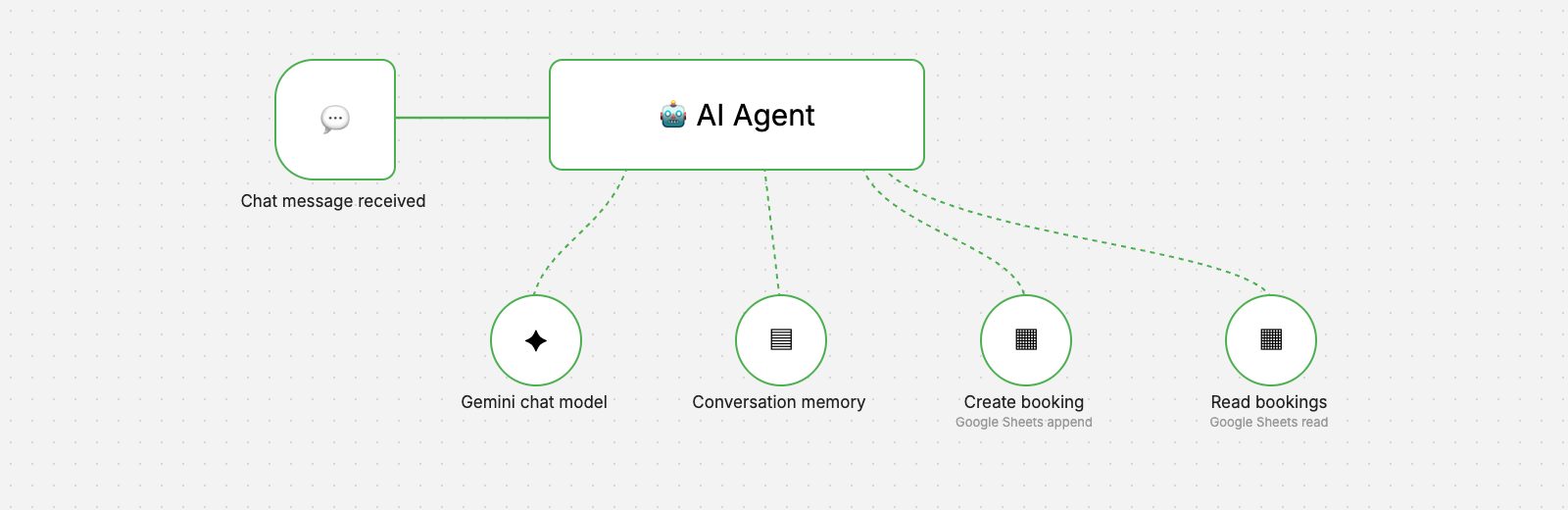 n8n workflow
Hospitality & Restaurants
AI Restaurant Booking Agent
A chat-based AI agent that takes reservation requests, checks existing bookings and records new ones in Google Sheets.
- AI & Automation
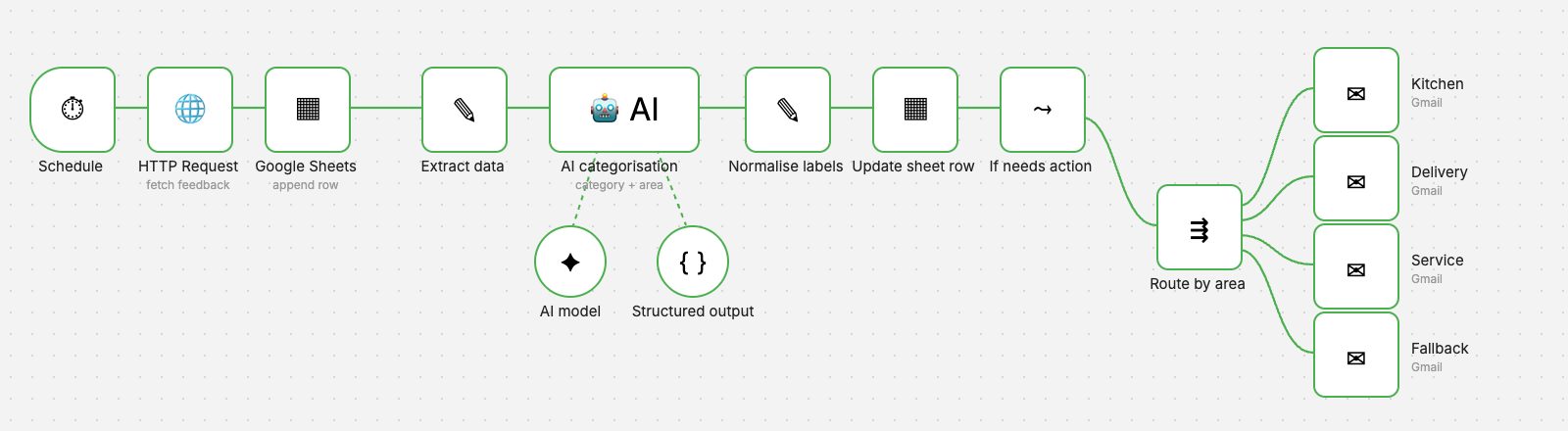 n8n workflow
Hospitality & Customer Service
AI Feedback Classification
Every piece of feedback is categorised by AI, labelled in the sheet and emailed to the department that can act on it.
- AI & Automation
- Business Applications
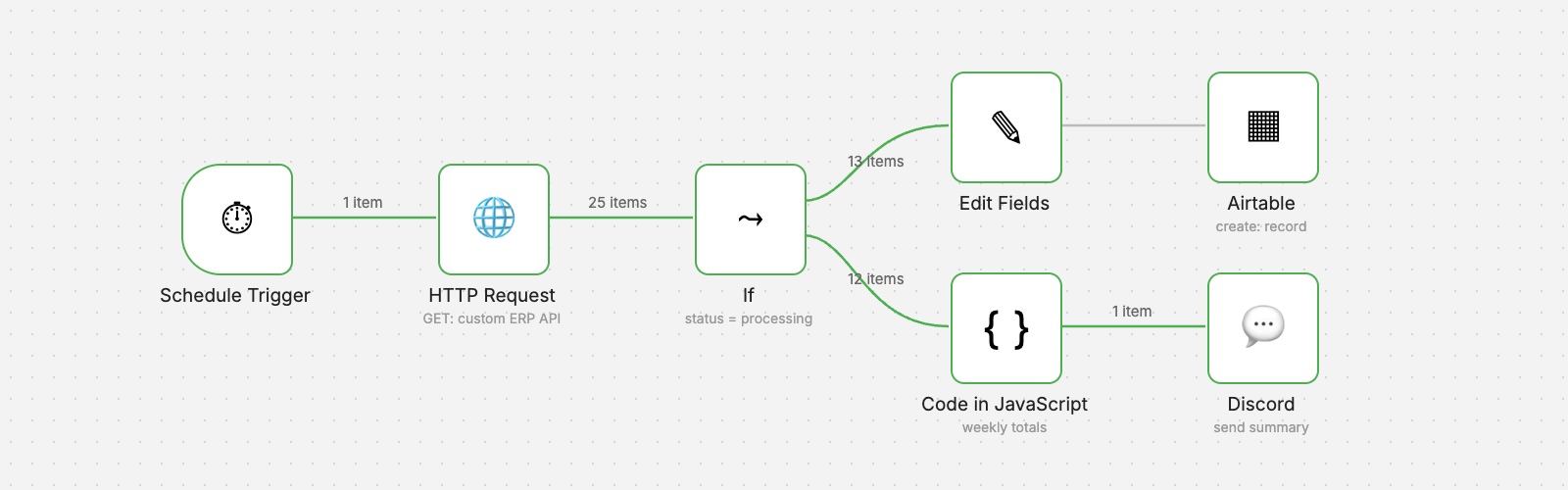 n8n workflow
Operations & Reporting
ERP Order Analytics
Scheduled order retrieval from a custom ERP, structured records in Airtable and a weekly performance summary posted to Discord.
- AI & Automation
- Business Applications
Want an automation like this for your team?
We'll map your process, design the workflow with proper validation and error handling, and hand it over documented.